Large TV Wall Mounting Guide
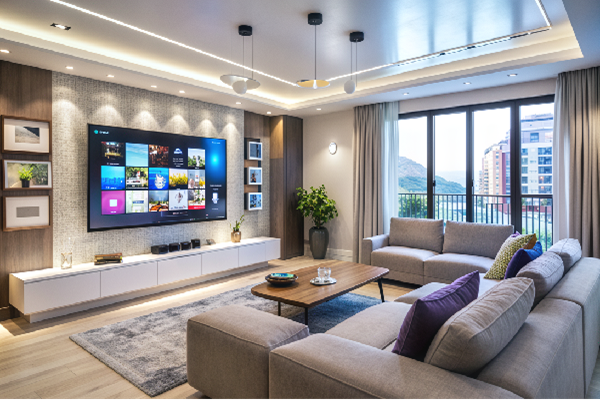
Wall mounting a large TV can clear floor space and provide for a better viewing experience. A big screen TV must also be mounted properly. In this guide we will help you plan and safely install your big screen TV.
Safety Tip: Never mount a large TV to sheetrock only without anchoring to the wall studs. A large TV must be mounted to the wall studs using the correct screws and mounting hardware.
Large TVs are heavy and awkward to handle. Having a plan is a must along with someone to help you do the install safely. We will show you the right tools for the job and the correct mounting hardware.
Preparing and planning TV install
Start by making sure you have the correct mounting hardware for your specific brand and model TV. You should be able to find this information in the owner’s manual.
If the owner’s manual doesn’t have the information you can find it here https://www.sanus.com/en_ID/
Pick a spot on the wall to mount your TV. Choose a spot with solid support and the wall studs to anchor the TV mount. The easiest way to find wall studs is with a Stud Finder. You can buy one at your local hardware store if you don’t have one.
Plan for the routing of cables too. If you need help do not hesitate to call a professional to do the install.

Choosing the right large TV wall mount
Screen size is not the only factor to consider when choosing a large TV wall mounting bracket. Check the recommendation of the TV manufacturer for your specific model and brand before purchasing a wall mounting kit or drilling holes in the wall.
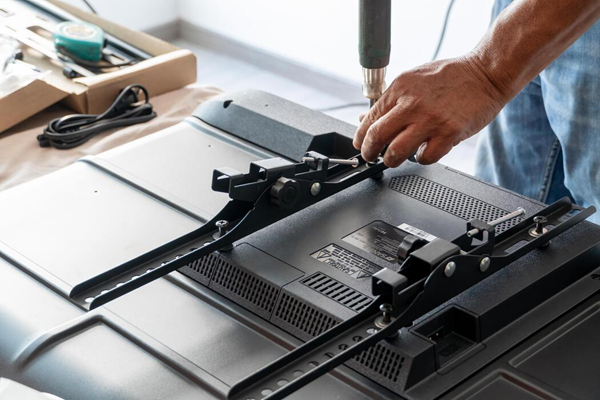
The mount’s weight rating must meet or exceed the weight of your TV. Also check the TV VESA pattern, the spacing between the mounting screw holes in the back of the TV. The mount must attach at these points exactly.
There are 3 positions to choose from in a mounting bracket they are fixed, tilting and full motion. Read the mounting hardware instructions completely before the install and use only recommended screws approved by the manufacturer. Failure to follow the instructions completely can cause safety issues and injury.
Locate studs and check behind the wall
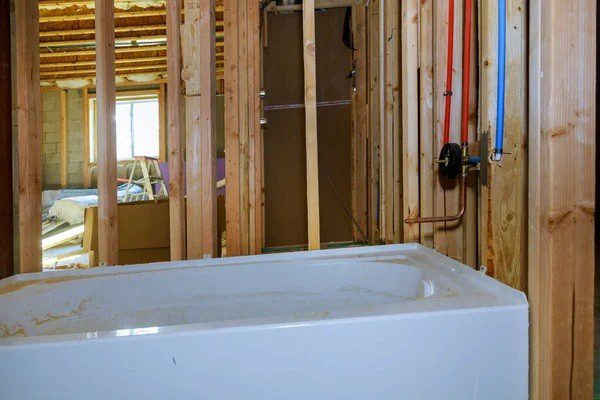
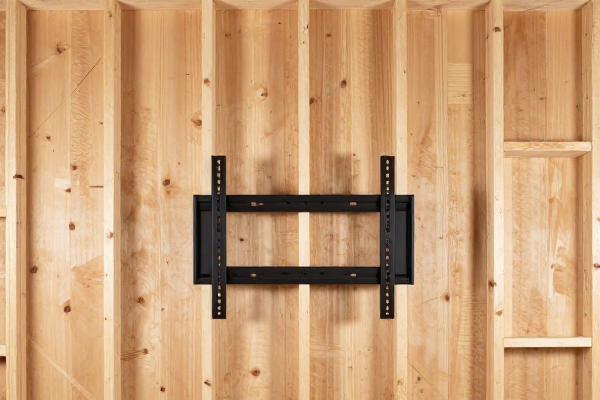
Using the stud finder locate and mark the wall studs before drilling. Your specific mounting hardware will outline how many studs or anchoring points are needed. Before drilling locate and avoid any plumbing or electrical wiring that may be behind the wall. Do not depend on the stud finder to detect these hazards.
Pre route your power, TV cables and any other devices such as cable boxes and routers. If cable or power wiring is run through the walls only use products rated for in-wall use and never run regular power cords in the wall. For safety if you are unsure call a professional electrician to run the cables and power for you.
Two-Person installation is recommended
Depending on the size of your TV it can be quite heavy. A large TV is not only awkward to handle but can be hard to grip. For safety always use another person to help you mount the TV on the wall. Make sure you have all the tools you need and everything is prepped before mounting the TV.
Following the manufacturer’s instructions mount the bracket on the TV and the wall. Double check that the mounting bracket is properly installed on the TV and the wall especially if someone else installs the hardware. Protect the floor and any surrounding furniture and plan the lift with your helper.
Installing the TV on the wall
Plan the mounting of the TV with your partner. Before picking the TV up plan where to grip the TV. Hold by the frame and do not press on the screen. With your helper safely lift the TV and align with the wall plate. Lock the mounting bracket into the wall plate per instructions. Do not let go of the TV until you are sure the bracket is locked in or safety catches are engaged.
Confirm the installation is fully seated and locked. If you installed a tilting bracket or swivel test the motion of each while checking for a firm installation. Cables and power cords should move freely and not pull on the ports. Finish the installation per the instructions.
Periodically check the wall mount to make sure the installation is still solid over the next couple weeks.
By CW Mathews